Digital keys for physical doors
As lead designer at Ungerware Software, one of Yale’s mobile contractors, I designed apps in ASSA ABLOY’s Accentra access control suite, including one that lets residents unlock doors with their phone and another for the installers who set up the locks.
A trusted name in locks
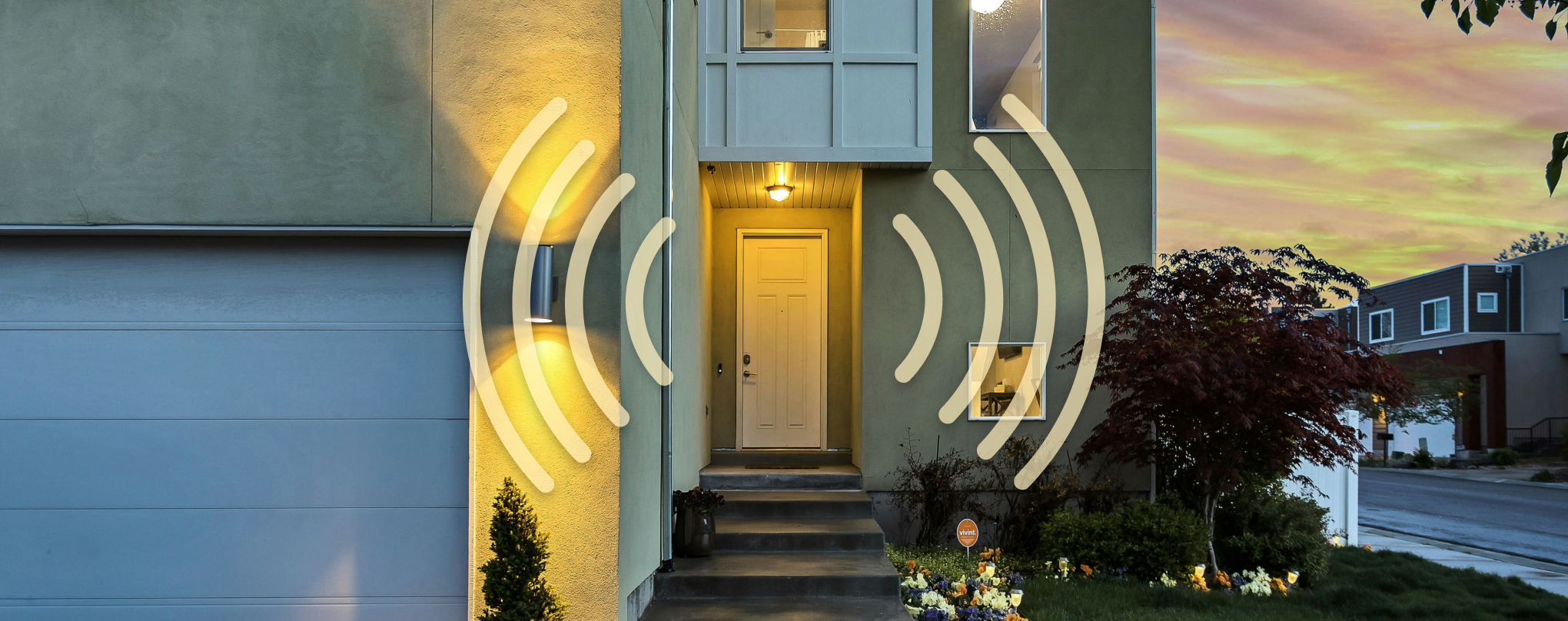
Yale is one of the oldest names in locks, with millions in use in homes and businesses around the world. It’s owned by ASSA ABLOY, the Stockholm-based global leader in door opening solutions.
Through Ungerware, I worked with Yale’s commercial mobile team on current apps and on planning for future ones. Most of my time went to the Accentra suite, with smaller projects across Yale’s wider lineup.
- Accentra (residential access)
- Accentra Config (commercial admin)
- Accentra Firmware Web Portal (commercial admin)
- Yale Delivery Box
- Yale Conexis and Assure
- Yale walkthrough modules
- Two exploratory projects (UWB and Rolling Realty)
Putting the key on a phone
Residents in buildings with Accentra locks had always used keycards or fobs to get into their homes and shared spaces. When Yale began exploring app-based access for commercial properties in 2019, moving those keys onto a phone brought a new set of problems.
Secure hand-offs
Digital keys had to reach the right resident. Setup ran through unique access codes with short lifespans, in flows shaped by complex business requirements.
As quick as a fob
Unlocking with a phone had to feel as easy as tapping a fob, even with Bluetooth and NFC, the cloud and the lock itself have to work together.
Failures outside the app
An unlock could fail for reasons the app couldn’t control: a weak Bluetooth signal, an expired or invalid key, or lock firmware in a bad state. Residents still needed to know what happened and what to do next.
Learning from two pilots
We ran two pilot programs for the resident app, which gave us in-person interviews with building managers and with the residents trying it out. I ran prototype interviews at the alpha stage and field studies at beta, and dozens of hours of feedback went into several rounds of revisions. One change that came out of discovery was turning setup into a step-by-step wizard with more guidance along the way.
App work at Yale had mostly been led by engineering, so hearing from users this early was new for the team. The new designs also brought in Yale’s 2020 rebrand.
Making secure hand-offs feel simple
Accentra: unlocking from your phone
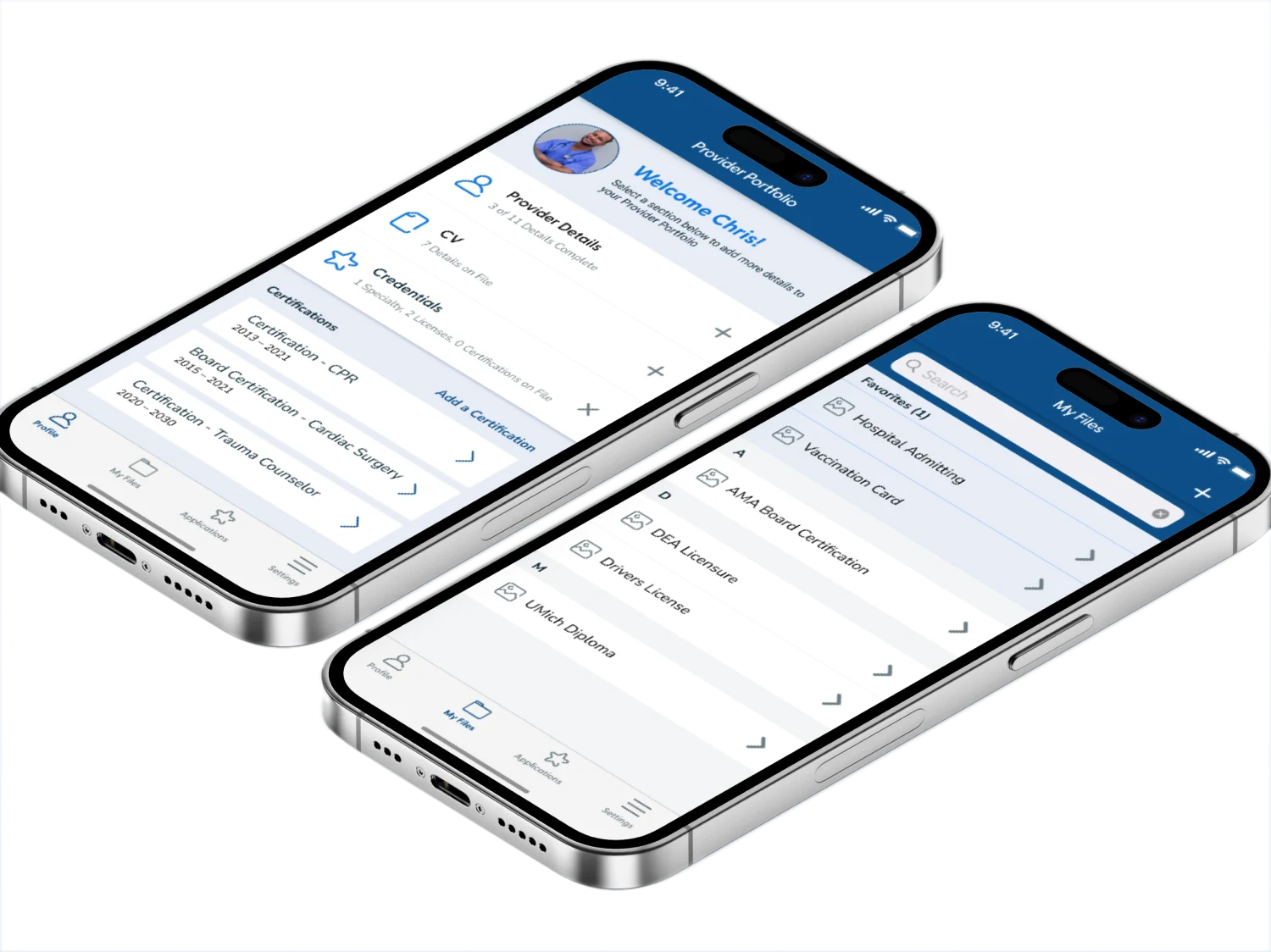
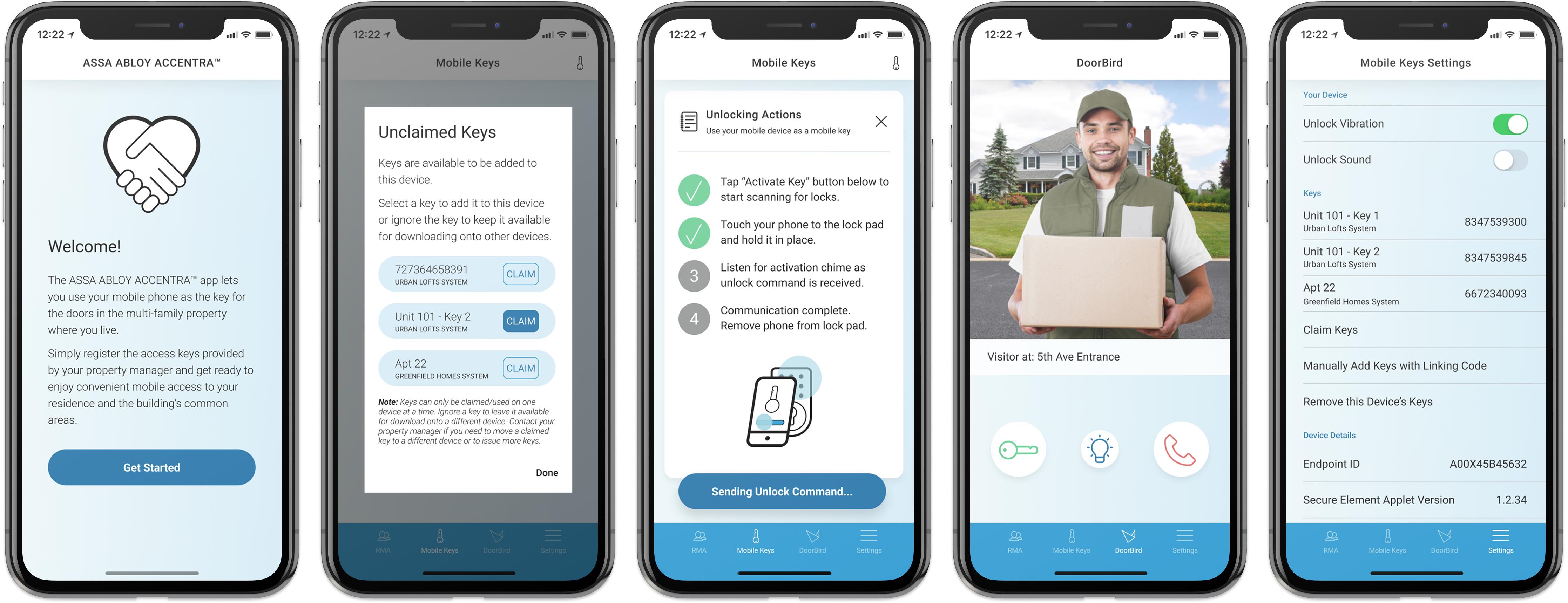
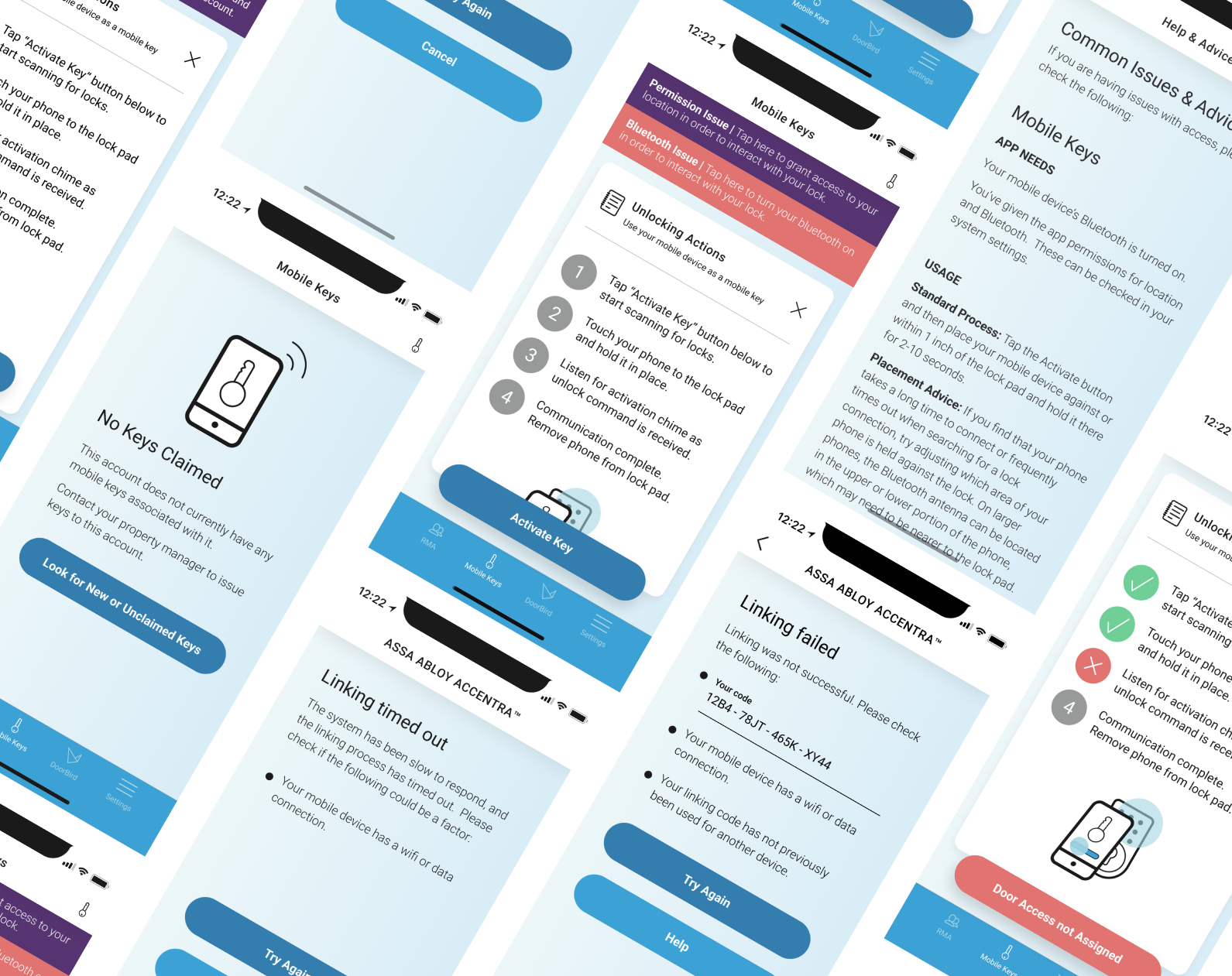
Residents link the access credentials for their home to their phone, then unlock with Bluetooth or NFC on iOS and Android. Step-based progress screens show what’s happening “in the cloud” during setup and each unlock. For the moments when something goes wrong, I designed a large set of edge-case messages, along with how-to guides and animations for anyone unsure what to do next.
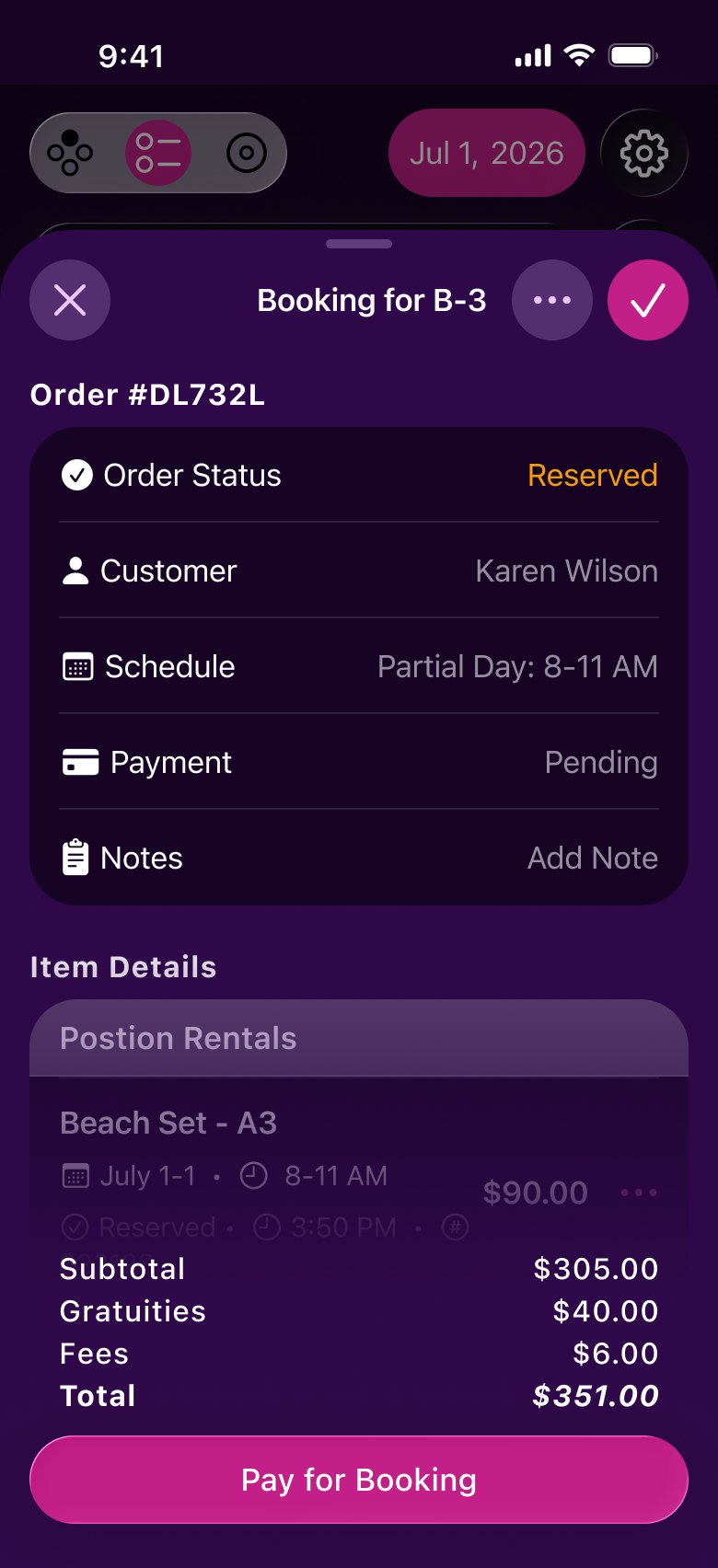
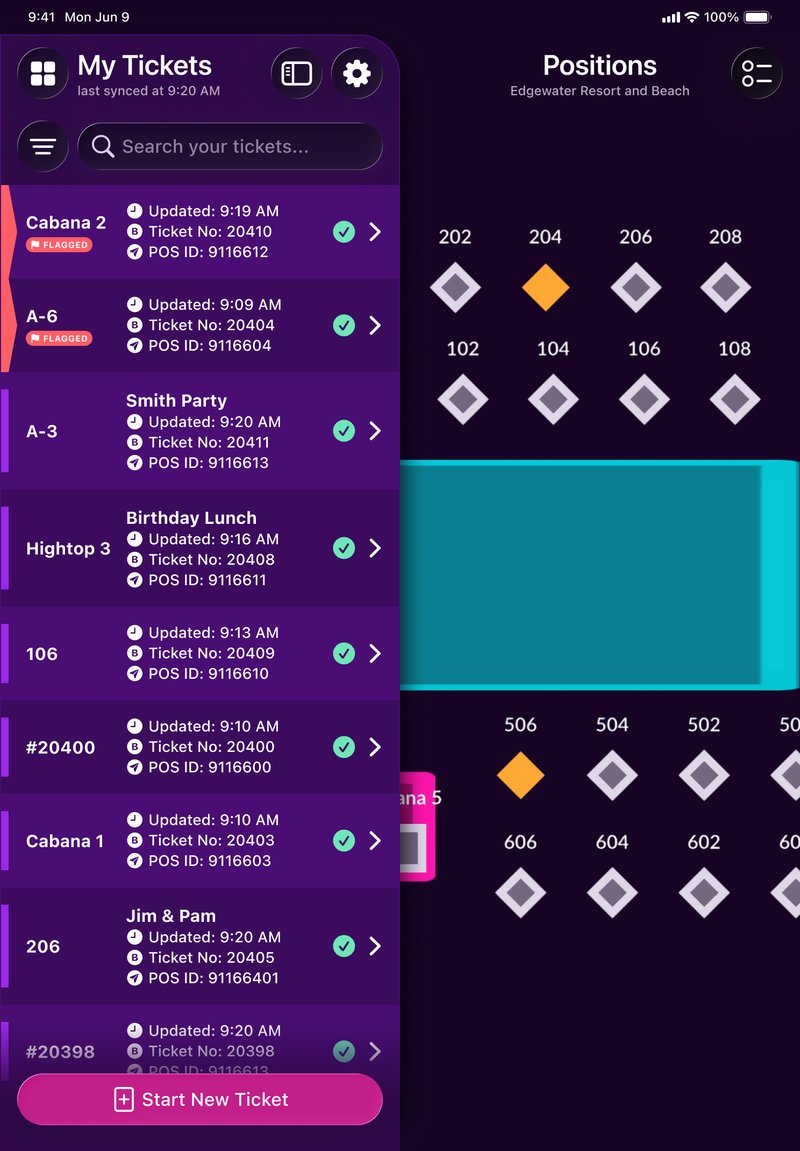
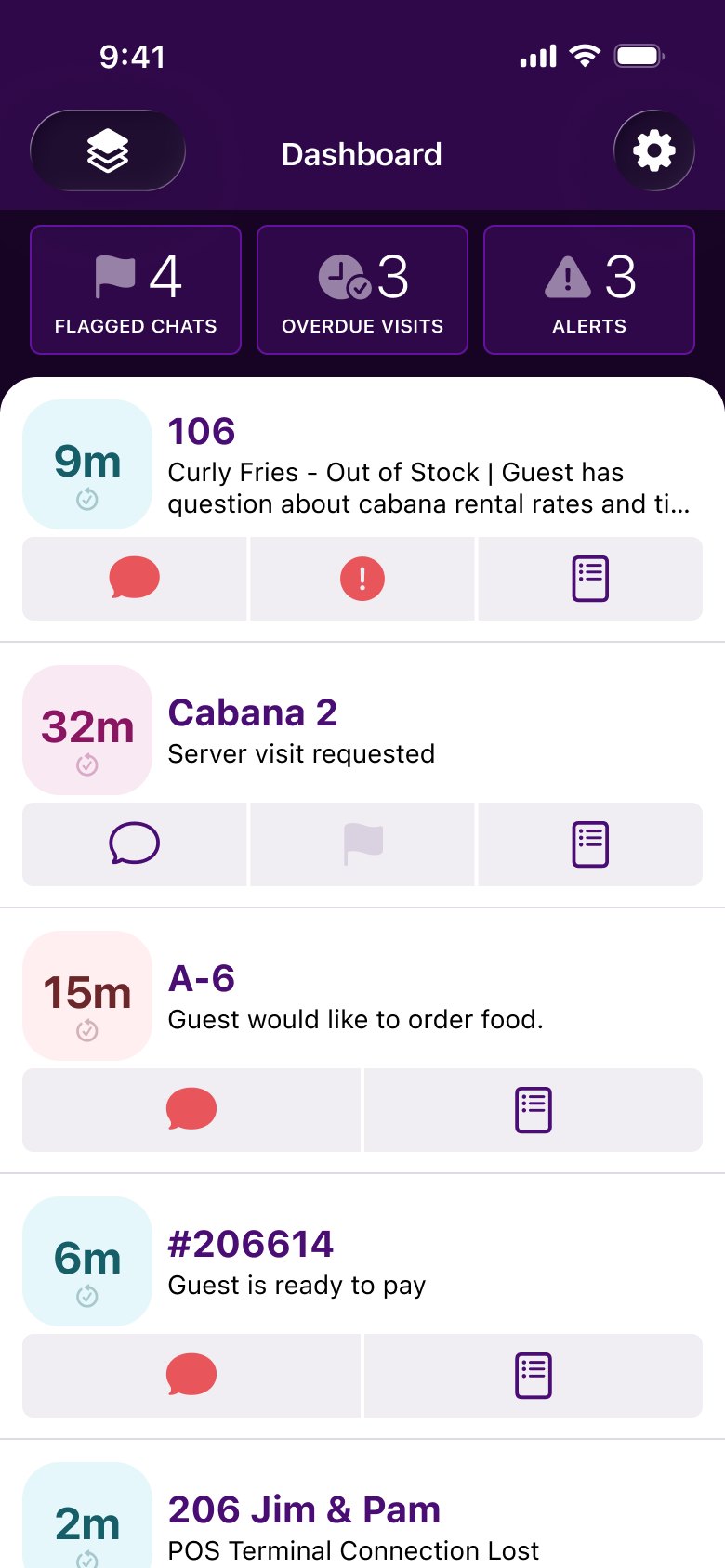
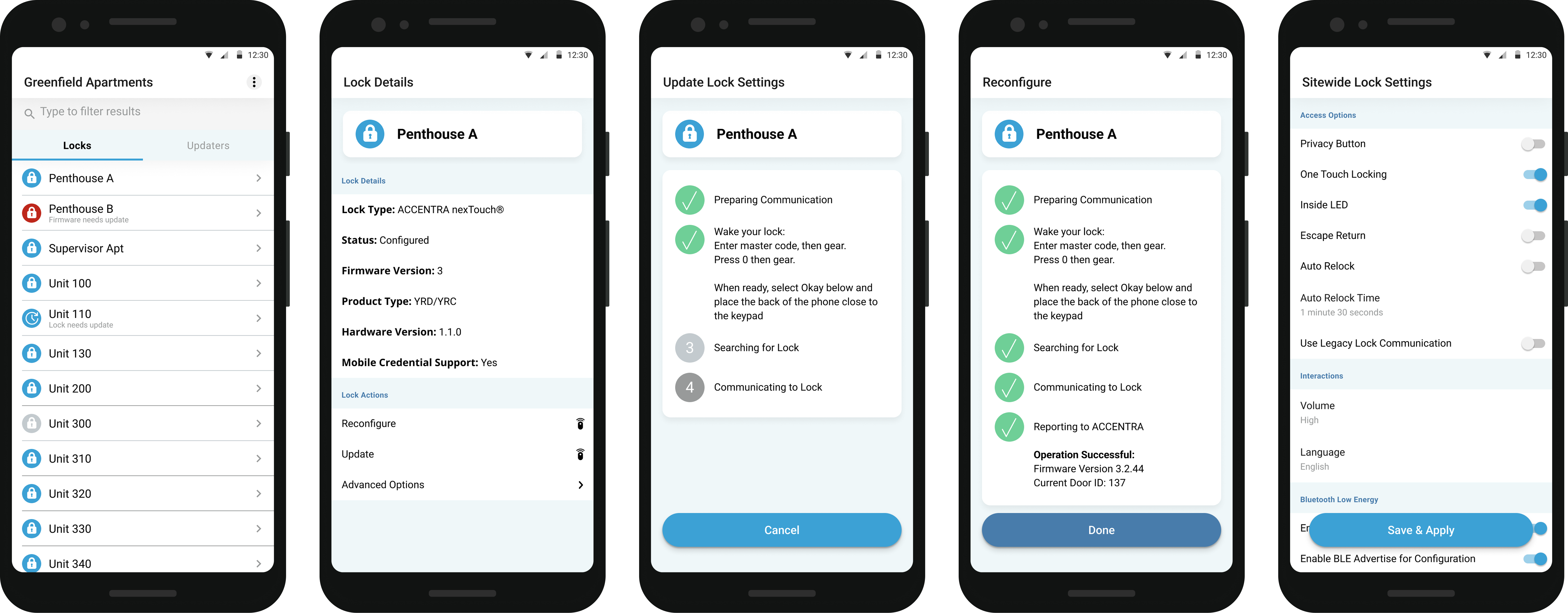
Accentra Config: a clearer tool for installers
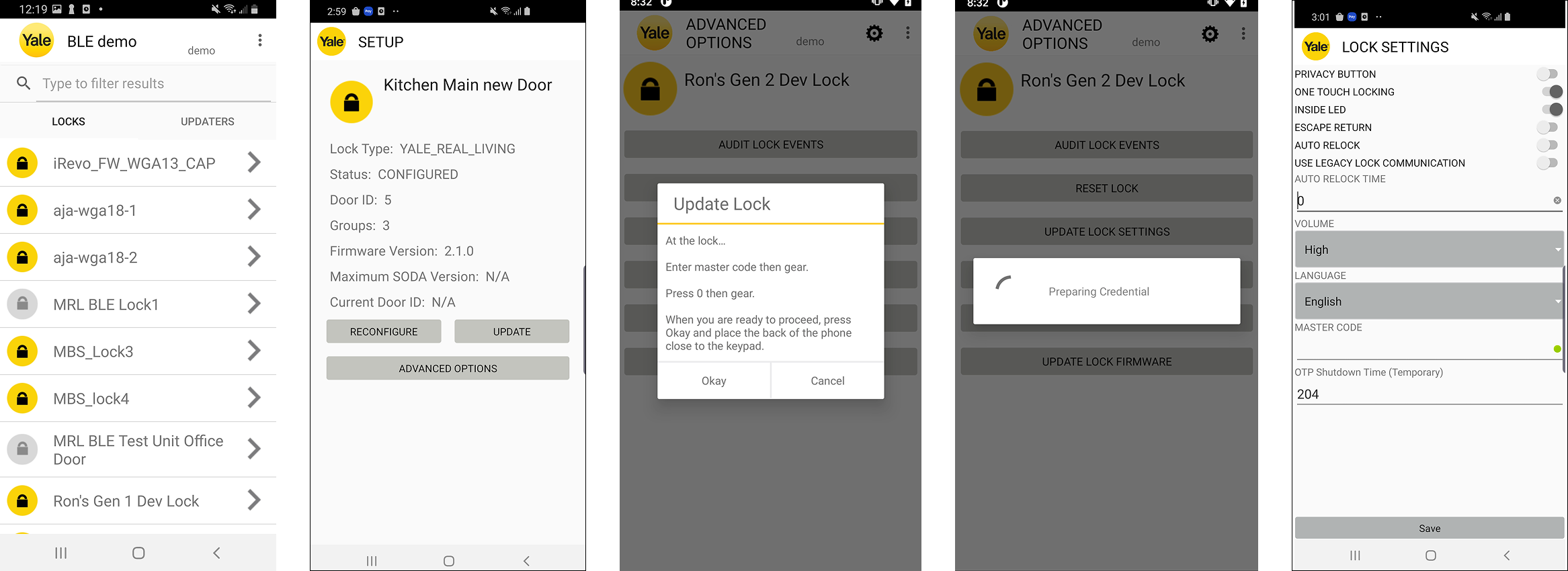
After the resident app launched, I moved to Accentra Config, the app installers use to set up and manage locks across large commercial buildings. Engineers had built and extended it for years, so there was plenty of room to improve the experience.
I started with interviews with field techs to find their pain points. From there I renamed fields so they were clearer, improved color contrast and regrouped page controls into more meaningful sets. The app carried a long backlog of legacy functions that still had to be there, so the redesign kept current features up front without losing the rest. The interviews also led to a new feature for working on new construction sites with poor data service. Once the first improvements were in, field techs reviewed prototypes of the revised designs and their input shaped the next round.
Exploratory projects
I also designed several full app flows and prototype projects for Yale and ASSA ABLOY for exploratory product lines. Each came with interesting technical constraints to work around. Since this work has not yet come to market, it’s still under wraps.
Jennifer consistently delivers great work, including quick and demo-able design prototypes, detailed design specs the dev team can easily follow, and thoughtful, opinionated design recommendations based on current UI/UX conventions. She has been patient and organized collecting feedback from early adopters and test subjects, allowing us to test and refine ideas in a much shorter cycle before we get to market. Her involvement has absolutely improved our team’s ability to create user-friendly and visually appealing interfaces by an order of magnitude.